How to Use Holiday Craftly
This page explains how to use Holiday Craftly: open the page that matches what you need, enter or pick your input, then copy, read or print the result. A result looks wrong or a page does not load? Report it on the contact page. You can start from the Holiday Craftly home page.
Find the page you need
Start on the home page; the menu and the lists there lead to pumpkin painting ideas, funny elf on the shelf ideas and christmas tree decorating ideas, along with carving stencils and door, cake, gingerbread and valentine box planners. Each project has its own page, so open the one that matches what you are making.
What each page does
Each page asks for a few things and gives one result back. The table shows what you enter or pick on each page and what you get.
| Page | What you enter or pick | What you get back |
|---|---|---|
| Pumpkin painting ideas | Difficulty, kid-friendly only, the paint colors you have, pumpkin width | Matching designs with steps and a supply list, and the surface you will paint |
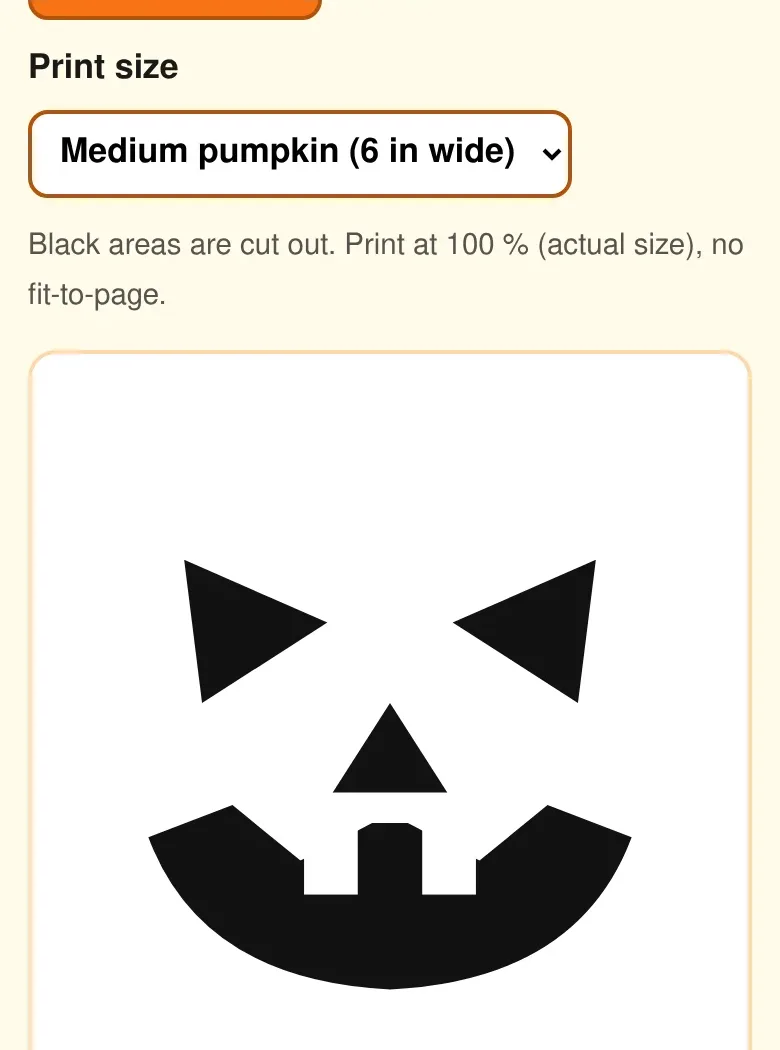
| Carving stencils pumpkin | One of 13 designs and a 4, 6 or 8 inch print size | A printable pattern where black areas are cut out |
| Funny elf on the shelf ideas | Number of nights (7, 10, 14 or 24) and how much mess you accept | One idea per night and a shopping list |
| Valentine box ideas | Box size, card size and class size | A check that the cards fit, the card slot size, paper sheets and lid hearts |
| Gingerbread house ideas | House width, depth, wall height and roof rise | Wall and roof panels, dough, baking sheets and icing |
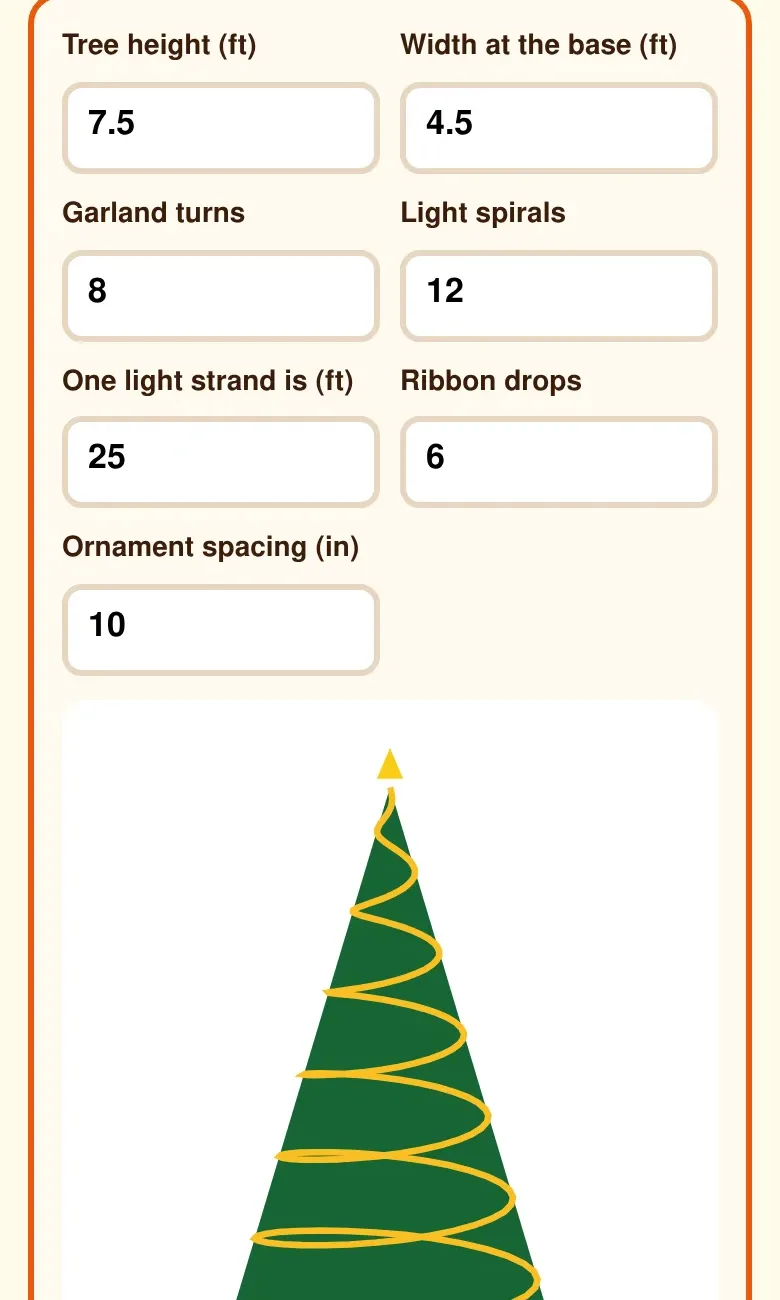
| Christmas tree decorating ideas | Tree height and width, garland turns, light spirals, ribbon drops, ornament spacing | Garland and light lengths, strands, ribbon and ornament count |
| Christmas door decorating ideas | Door width and height, paper roll size, light strand length | Frame garland, paper strips, rolls and light strands |
| Cake ideas decorating | Round or square, tiers and sizes, dot spacing | Border dots and cups of frosting |
| Decorating ideas | A project: tree, door or cake | A link to that project’s planner |
Copy, read or print the result
The planners show their result on the page as soon as you change a field, and most offer Copy and Print buttons under the result. The carving stencils print at the size you pick. Nothing you type is sent to an account. Results come from the numbers you enter; check them against your own materials before you buy or cut.
Last updated: 12 November 2026.
Did this project work for you?
Tell us what you loved or what we should tweak.
Thank you! Your note is wrapped and delivered.